 THE GAME ARCHIVE
Under the Hood: Fuel, Horn, and Radio
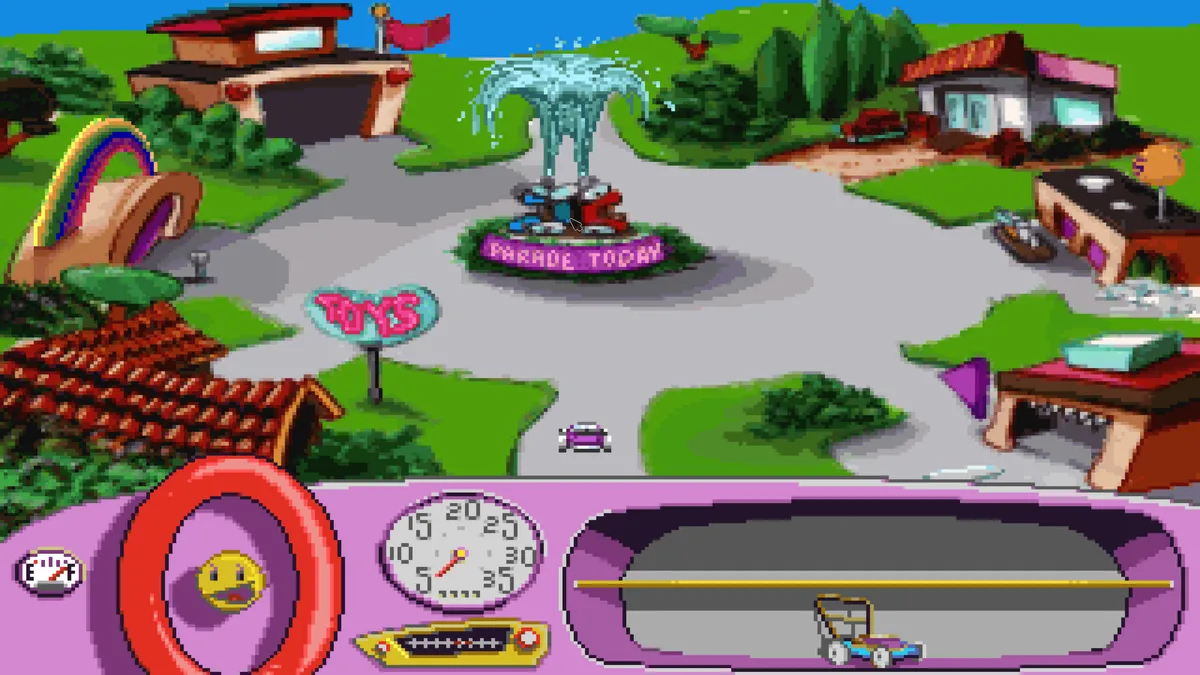
The manual's interface rundown treats the car's dashboard as the center of play, naming four elements in order. First is the fuel meter, which the manual flags as something Putt-Putt needs when he is running out of gas, tying the meter to a resource that can deplete over the journey. Second is the horn, described as very loud, and third is the radio. The fourth slot is the inventory area where Putt-Putt keeps every item he finds, which connects this dashboard panel to the click-to-use item rules covered elsewhere.
The horn and radio sit alongside the fuel gauge as instruments Putt-Putt can activate, though the manual gives them only labels rather than step-by-step procedures. The only general rule the interface page states for objects is that most found items are used by clicking the item and then clicking whatever it should be applied to; that rule is written for inventory items, not for the horn or radio. The fuel meter's role is similarly stated as a need-when-low indicator rather than a described refueling sequence. So the dashboard presents four distinct functions without spelling out their trigger inputs beyond the click conventions described for items.
Pack Rat: The Item Stash and Click-to-Use Rules
The fourth dashboard element is the stash where Putt-Putt keeps every item he finds on his journey. The manual's interface page presents this storage slot as a single place that holds all collected objects, growing across the trip rather than offering separate pockets or categories. It sits alongside three other labeled functions — the fuel meter, the horn and the radio — so the item area is treated as a peer panel on the same dashboard rather than a separate screen. Closing the item area to the other three functions keeps the collected objects visible in the same place Putt-Putt checks while driving.
One general rule governs how those stored items get used: most items are applied by clicking the item first and then clicking the thing it should be used on. The manual attaches this two-click procedure to inventory objects broadly, not to the horn or radio, which are described only by their labels on the interface page. So the stash and the application rule work together — the stored item is the first click, and the target in the world is the second — while the fuel meter stays a running-low indicator and the horn and radio carry no stated trigger steps beyond their names.

Save and Load: The S and L Keys
Saving begins with a single keyboard command: pressing the S key during play brings up the Save Game screen. From there the procedure continues with the mouse, since the player clicks one of the squares shown on that screen, types a name for the save, and presses Enter to finish. The manual presents this as a three-part sequence — open the screen with S, choose a slot, name the file — and closes the instructions by confirming the save is complete. No menu navigation or separate confirmation step is described beyond those actions.
Loading reverses the process: the L key opens the Load Game screen, where the saved entries appear and the player clicks the one to restore, returning immediately to the point of the last save. The manual adds a dependency between the two features — if nothing has been saved yet, the load screen has nothing to load, so saving must happen first. The two keys therefore work as a pair sharing one save-slot display, with S opening the writing side and L opening the reading side of the same screen.
Bailing Out: Quitting by Keyboard
Quitting the game uses its own keyboard command rather than the save and load keys. On a Windows machine, the manual instructs the player to press the F5 key, which brings up a screen with a Quit option at the bottom; pressing Quit there returns to the computer desktop. The Macintosh path differs: instead of F5, the player holds the Command key and presses Q to exit the game. Both routes end at the desktop, and neither is described as passing through the Save Game or Load Game screens used by the S and L keys.
This means the game's documented keyboard commands split into three separate jobs. Saving listens for S, which opens the Save Game screen where a square is clicked, a name typed, and Enter pressed. Loading listens for L, which opens the Load Game screen where a saved entry is clicked to return to the last save. Quitting listens for F5 on Windows or Command plus Q on a Macintosh, and the Windows version adds a second step of pressing Quit at the bottom of the screen. The manual notes that loading requires a prior save, so the S and L commands depend on each other, while the quit command stands apart from both.
The Parade Goal and the Lessons Along the Road
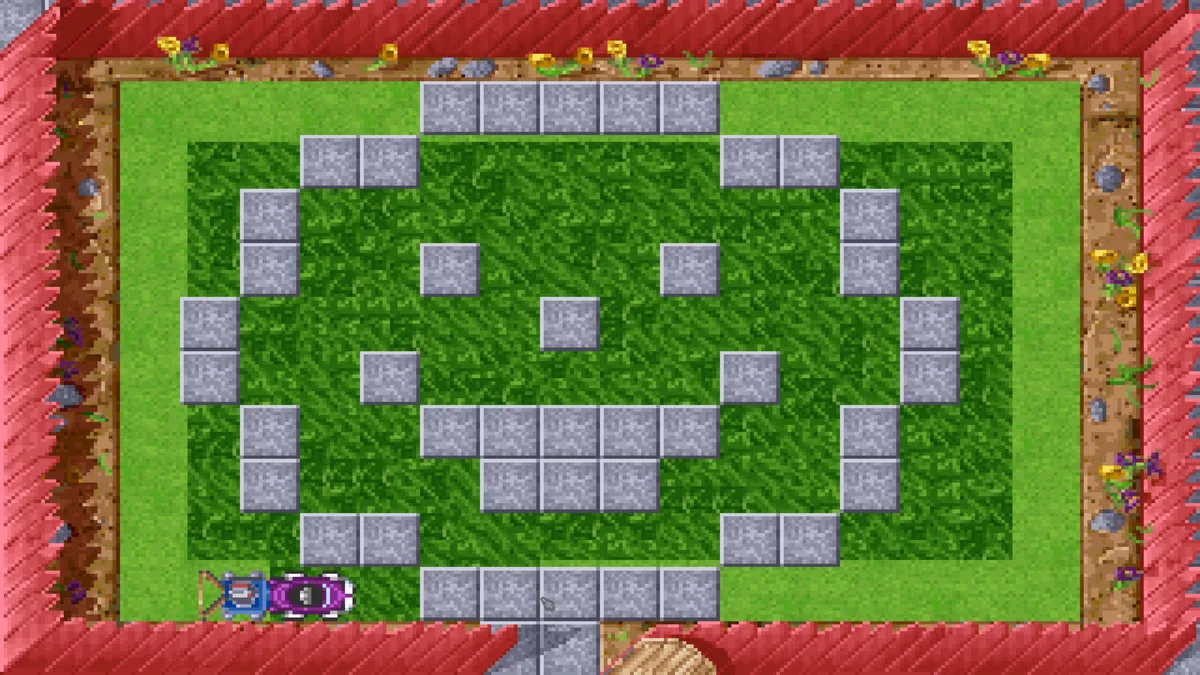
The goal that frames the whole trip is the annual Cartown Pet Parade, and the documented objective is to help Putt-Putt get ready to join it. The preparation is described as requiring hard work, a bright shiny chassis and a little help from your friends, so the game's route runs through recruiting assistance rather than acting alone. Getting there means meeting the local carfolk, exploring a toy shop and tooling down the road, with the road to discovery holding more than the destination.
Along that same road, the documentation lists what the player practices: thinking ahead, dealing with unexpected problems such as cow roadblocks, and giving others a hand. It also names earning money, remembering an address and learning the value of doing a good deed as things learned during play. So the parade preparation is not a single errand — the roadblocks, the earning, the address to keep in mind and the favor done for someone are the documented steps and lessons that lead toward joining the Cartown Pet Parade.
Sources & further reading.
- Putt-Putt® Joins the Parade — official game profileRetrieved Oct 30, 2026
- Putt-Putt® Joins the Parade — official game profile — publisher-supplied gameplay manualRetrieved Oct 30, 2026
First published .