 THE GAME ARCHIVE
A Three-Man Squad in a Buried Dubai
Spec Ops: The Line is a third-person shooter in which you lead a team of three: Captain Martin Walker, Lieutenant Adams, and Sergeant Lugo. Each character has his own distinct personality and specialized skills, and the squad-based play mechanic is the core of the combat. The stated mission is simple: locate survivors and radio for evacuation. What the squad finds is a city in the grip of war, and saving Dubai means finding the man at the heart of its madness, Colonel John Konrad.
Squad orders are issued with the middle mouse button. Holding it and releasing it while the cursor hovers over an enemy commands your squad to attack that target. Holding the button without a target displays the squad's current location and target. In certain areas, context-sensitive commands appear on screen, such as a tap-to-stun command that you trigger by tapping the same button when the prompt appears. Those target-based and context-based prompts are the documented ways you direct your teammates in combat, so the same input covers calling an attack, reading where the squad is, and answering a scripted opportunity.
Sandstorms and High-Rise Tactics
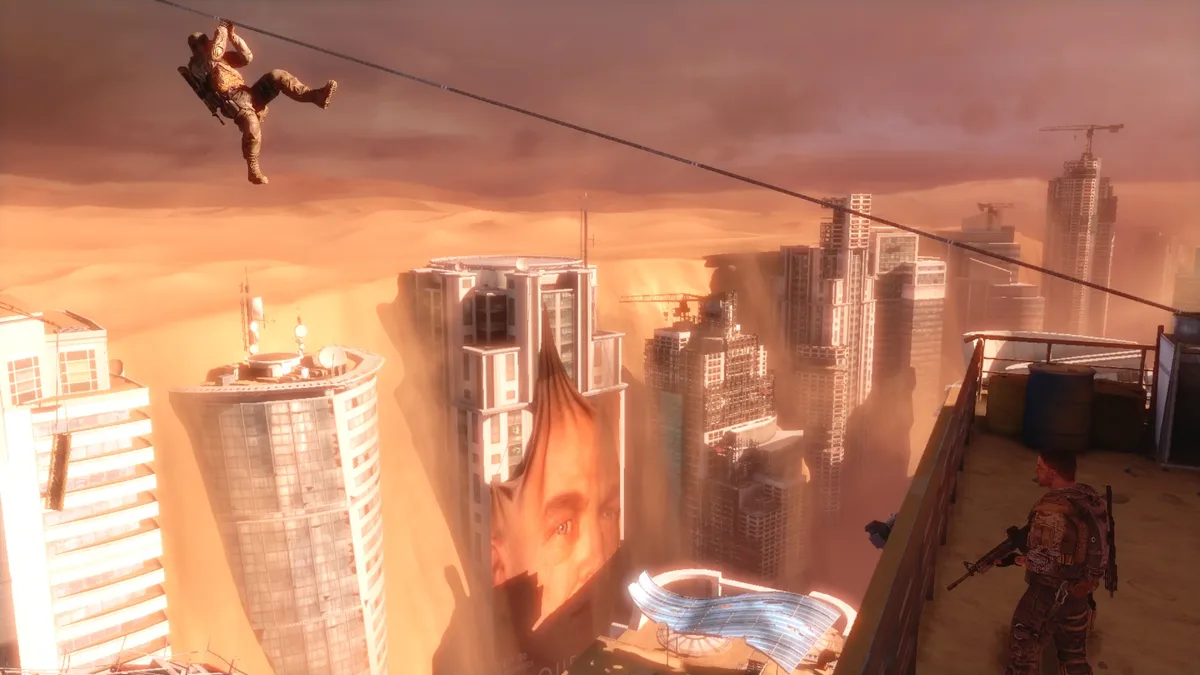
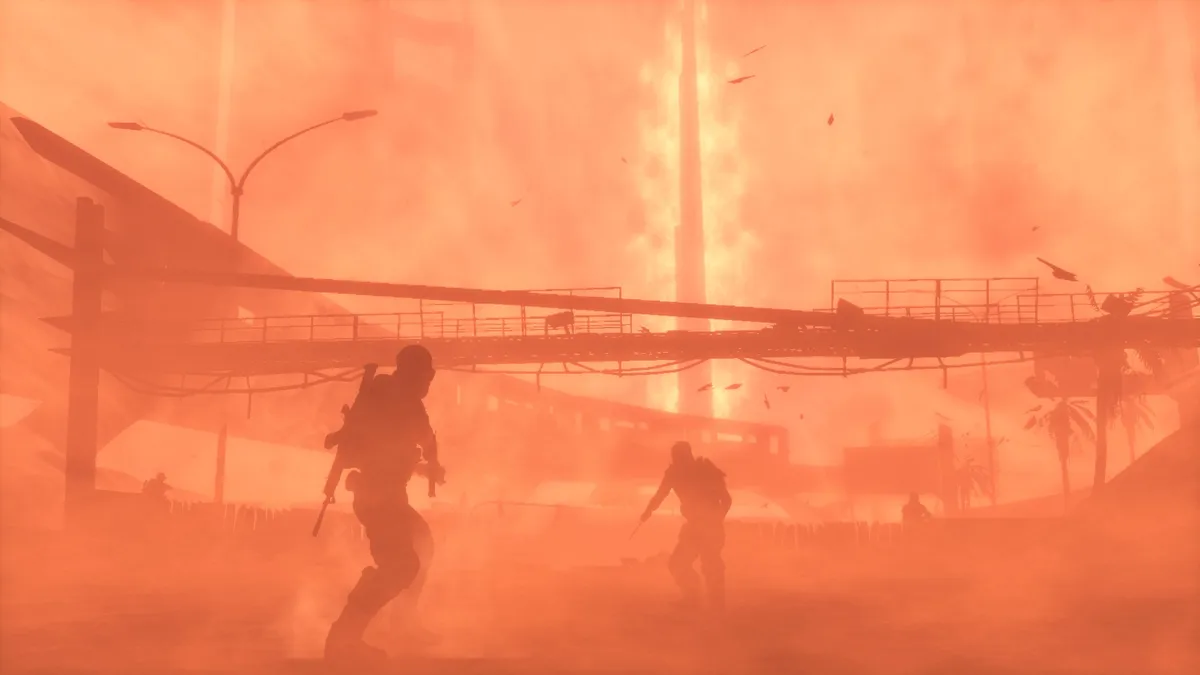
The desert environment of Dubai is brought into play through dynamic sandstorms that actively affect level designs. Because a storm can be used to help or hinder progress, the same weather that swallows sightlines can also shelter movement, and the documented design ties storms directly to layout. The environment is therefore a tactical condition to read and adapt to rather than a fixed backdrop, and a storm that frustrates one approach may open another.
The vertical interiors of Dubai's high-rise buildings add a second layer, providing tactical advantages and risks that can be used against enemies. Squad commands connect directly to these fights: hovering over an enemy and holding then releasing the middle mouse button orders your teammates to attack, while holding it with no target shows the squad's current location and target. In certain areas, context prompts such as a tap-to-stun command appear, and you tap the button when they do. Reading the storm, the height, and the available squad order together is what the documented mechanics put in the player's hands.
Difficulty Tiers from Walk on the Beach to FUBAR
Starting a new campaign in Spec Ops: The Line means selecting one of four save slots and choosing a difficulty from four tiers: Walk on the Beach, Combat Op, Suicide Mission, and FUBAR. Only the first three are described as open choices at the outset, because FUBAR is unlocked after you complete Suicide Mission. That gate enforces the order of play rather than leaving the hardest tier to free selection, so the natural path runs from the lower tiers up through Suicide Mission before FUBAR becomes available for a new campaign.
The campaign screen also provides a chapter select option. Once you have completed a chapter, an interactive map lets you select it to replay, so you can revisit earlier sections without restarting the whole campaign. The same menu offers a resume option that loads your most recent save file and a load option that resumes from a save file you choose. Together, the four slots, the chapter map, and the FUBAR unlock form one progression structure: pick a slot, name a difficulty, finish Suicide Mission to open FUBAR, then use the map or your saved files to return to chapters you have already completed.
Difficulty also feeds back into the core loop in a documented way: in the options, the single-player aim-assist feature can be turned on or off, or set to be determined by the current mission difficulty. That makes the difficulty tier a choice about how much help the shooting itself provides, not only about how punishing the encounters become.

Weapons, Grenades, and Secondary Fire
The keyboard and mouse layout spreads weapon handling across dedicated inputs. The mouse controls aiming and shooting, E switches weapons, and holding R picks up a weapon while a tap of R reloads. Melee sits on the left Shift key, and vaulting requires holding that same key, so the distinction between a quick strike and a climb is a matter of press duration rather than a separate binding. Cover, sprint, and other context actions share the spacebar.
Grenades are thrown with the Q key, and the mouse wheel cycles between grenade types so you can choose which kind to toss. Secondary fire is a separate toggle mapped to C, and it is single-player only, letting the current weapon switch firing modes. The middle mouse button carries squad commands in single-player and medic or officer abilities in multiplayer, keeping those functions on one input across both contexts.
Multiplayer Modes and Team Roles
Multiplayer in Spec Ops: The Line covers five documented modes. Chaos is every player for themselves: kill the opposing players before they kill you. Rally Point asks a team to hold the rally point to accumulate points, with the minimap helping locate the point as it changes locations. Buried tasks one side with destroying the enemy's Vital Points to reveal their High Value Target; explosives destroy Vital Points more easily, any weapon can damage the target, damaged points can be repaired, and once destroyed they are gone for good. Mutiny is a classic team deathmatch, and Attrition gives each player one life across a series of three team-elimination rounds.
Loadouts give a character a unique look and let you equip primary weapons, secondary weapons, and explosives for combat. Armor sets trade mobility for protection, since each higher armor class provides increased protection at the expense of reduced mobility, and head items and accessories customize appearance further. Team roles center on medics and officers: their abilities sit on the middle mouse button in multiplayer, and officers can drop supplies for teammates and place objective markers that increase the armor and damage output of any teammate in the vicinity, with the supply drop bound separately to X. Voice chat volume is set in the audio options.
Reading the Systems Together
In the campaign, the decisions the documented rules support are mostly about timing and placement. A sandstorm can cover an approach or block fire, so a push that stalls in one direction may open when the storm shifts. Vertical interiors reward gaining or denying height. Squad orders are the lever you pull inside those conditions: call a focused attack on one enemy with a held-and-released middle click, check where the squad is by holding the button without a target, or answer a tap-to-stun prompt when the game offers it.
Gear adds a second layer of choice. Cycling grenade types with the mouse wheel before throwing with Q lets you pick the right tool for a group of enemies or a hardened position, and toggling secondary fire with C changes how your current weapon behaves. In multiplayer, the same logic runs through loadouts: higher armor classes raise protection while reducing mobility, and an officer's supplies and objective markers can lift the armor and damage of nearby teammates.
Sources & further reading.
- Spec Ops: The Line — official game profile Retrieved Oct 20, 2026
- Spec Ops: The Line — official game profile — publisher-supplied gameplay manual Retrieved Oct 20, 2026
First published .