 THE GAME ARCHIVE
Jedi Movement: Double Jumps, Wall Jumps and Super Jumps
On PC, Jedi movement starts with the WASD keys, and a press of the Space bar produces a jump that can be steered with the directional keys. Pressing Space a second time while airborne performs a double jump, which makes it easier to cross wide gaps or land precisely on narrow platforms and beams. Running off an edge triggers an automatic flip into a ledge grab. From a hanging position, moving left or right shimmies along the edge, the Up directional key or Space climbs back up, Down plus jump pushes off the ledge, and the G key begins a slide down the wall.
Wall movement extends the jump set: a Jedi can leap off a wall, and between two facing walls can jump back and forth to gain height. Jumping toward a wall without pressing jump makes the Jedi stab it with the lightsaber and slide slowly down. After a wall jump, pressing Space performs a Super Jump, while pressing J drives the Jedi into the ground to damage all nearby enemies. These mechanics chain together, so a wall jump can be followed by a Super Jump for extra height or converted into a ground slam when enemies are below.
Lightsaber Combat, Force Pushes and Droid-Jak
Lightsaber work on PC centers on the J key. A single press delivers a quick attack, and repeated presses string several strikes together into a chain. Holding J instead charges a heavier attack, so the same key covers fast pressure and a slower, more committed blow. The combo bar gates an additional option: when it is full, a charged attack becomes available as a stronger finisher. Force abilities sit on the H key and split into two modes. A tap produces a quick push that stuns droids, while holding H builds up the Force and releases it as a blast that knocks back waves of droids. The same Force power is also the tool for opening doors, charging generators and solving other puzzles, so combat and environment use share one control.
Droid-Jak turns a double jump into temporary control of a droid. Jumping twice lands the Jedi on top of a droid; once there, pressing J takes it over. Most droids require the J key to be held before release, and the controlled droid aims its attack with the left stick movement keys. If the combo bar is full, pressing H performs a finishing move that also knocks back nearby enemies. Droid-Jak moves can be upgraded from the Shop in the Pause Menu, connecting the takeover mechanic to the game's purchase system rather than leaving it fixed.
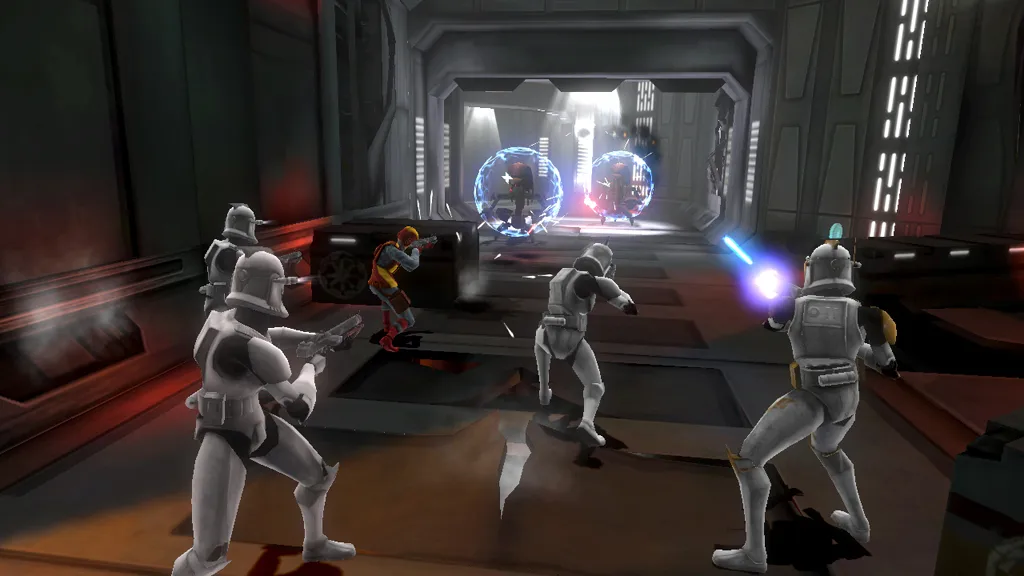
Clone Trooper Controls: Aiming, Grenades, Jetpacks and Hacking
Clone Trooper aiming on PC uses the J, L, I and K keys to direct fire from the primary rifle or pistols, and the same directional set aims the reticle for alternate weapons. Holding U prepares an EMP grenade; the player lines up the shot with the A, D, W and S keys, then releases U to fire. For close-range work, the N key performs a melee strike against nearby droids. Vaulting a low wall or box is done by moving against it and pressing the Space bar, and a crouch behind cover begins with Left Shift.
When a Clone carries a jetpack, holding the Space bar produces a short hover that carries the trooper over large gaps or up to high areas. Computer consoles are handled with the N key while standing beside them, which opens a ring interface; the directional keys rotate the selected ring, the Space bar changes the selection, and the goal is to line up the green sections so power transfers to the locking mechanism. The same N key that covers melee also starts hacking, while Space serves vaulting, jetpack hovering and ring selection depending on context.
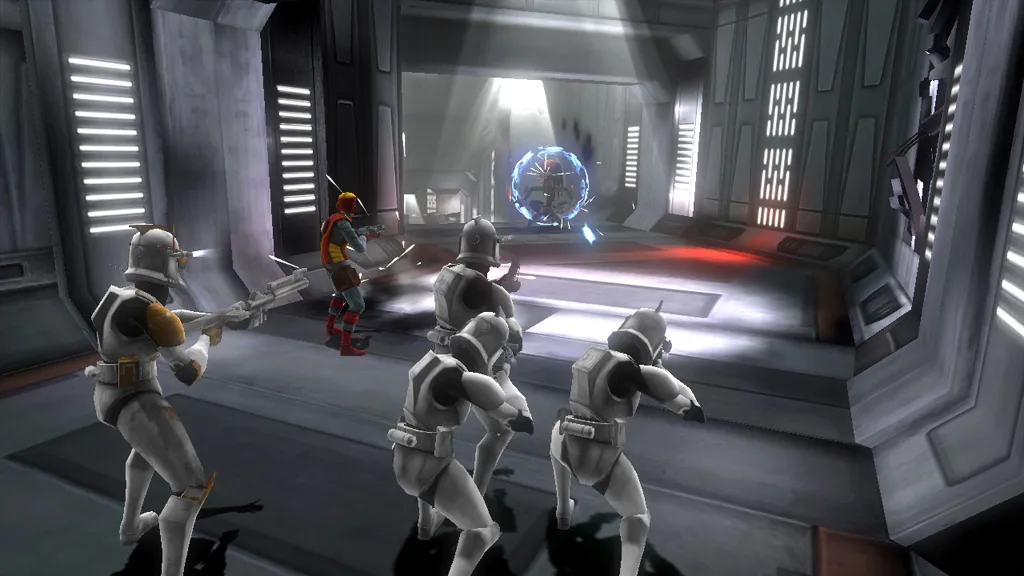
Combo Meters, Shields and Temporary Power-Ups
The Jedi's yellow combo meter sits directly beneath the character icon, and it fills gradually as the character deals damage. Once it is full, every droid defeated adds more to the point multiplier, and the completed meter also opens up certain special moves. Because the two benefits arrive together, a player who keeps the bar topped up earns both a higher score per kill and access to the stronger options the manual ties to a full counter. The bar is described as a Jedi-only element of the heads-up display, so Clone missions show a different readout.
Shields appear as eight blue circular wedges around the character icon and drain whenever the character takes damage; staying unhit for a short time refills them. If the shield runs out completely, the character icon flashes red and only a few more hits can land before collapse. Scattered power-ups grant short-lived abilities: a white one prevents all damage and works for Clones as well, a red one doubles attack damage, a yellow one relates to the combo, a dark blue one grants Force Blast, and a light blue one raises the points multiplier. These pickups last only a brief time, so their timing matters alongside the regenerating shield.
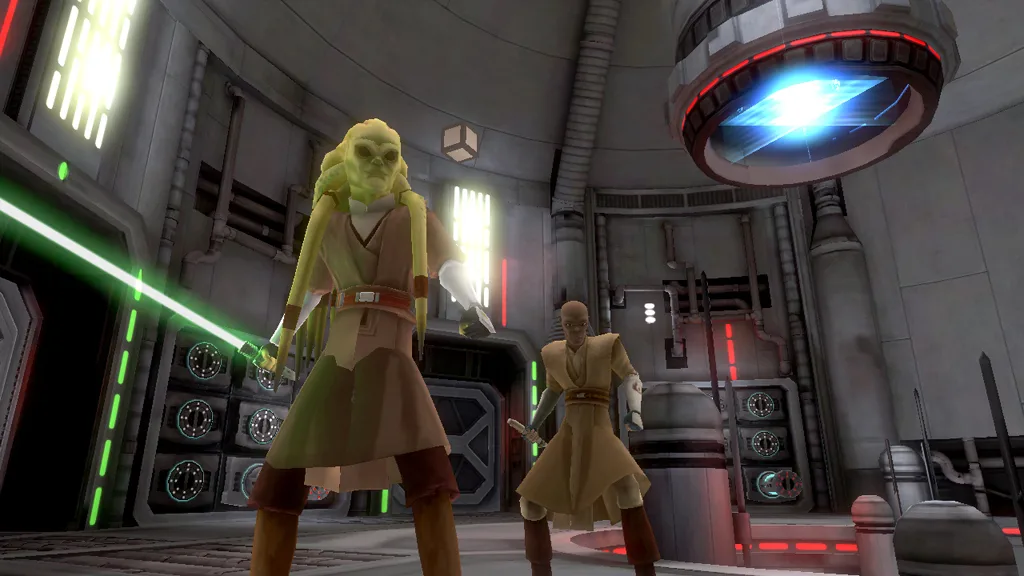
Artifacts, Gold Droids, Force Crystals and the Shop
The collectible layer of Republic Heroes runs through three reward objects found across the galaxy. Artifacts are scattered pickups that unlock Extras when gathered, so exploring beyond the critical path feeds a separate unlock pool. Force Crystals function differently: destroying them yields a large point award rather than an unlock. Gold Droids are prototype units the Separatists have seeded among their ordinary troops, and finding and destroying one grants a large point bonus on top of the kill itself.
Points from Force Crystals feed the Shop, which is opened from the Pause Menu. There players purchase novelty costumes, combat upgrades and cheats; some purchased items must be selected again afterward to actually equip them, so buying is only the first step. The Shop also connects to earlier mechanics, since Droid-Jak moves can be upgraded there. Points are therefore the shared currency between crystal and Gold Droid rewards and the upgrade, costume and cheat catalog, while artifacts track a parallel unlock path toward Extras.
Cooperative Play, Online Support and Mission Replay
Republic Heroes supports cooperative play for two players, with a second player joining during a mission through the Backspace key on PC. When player two joins, a second character icon appears alongside the first, with player one shown in the upper left of the heads-up display. The Continue option resumes saved progress either solo or in two-player co-op, so a file started alone can carry forward into a shared session. Online features run through Games for Windows – LIVE, which handles profile creation, friend chat, activity viewing and achievement tracking, and requires a high-speed internet connection plus a gamertag to sign in.
The Replay option lets a player choose any unlocked Jedi or Clone character and return to any mission already opened, which is how leftover artifacts and Gold Droids get collected after a first pass. Replay also carries purchased upgrades and gear from the Shop into the mission, rather than stripping benefits back to a default loadout. The same Replay path therefore serves two jobs at once: finishing the collectible hunt for artifacts and prototype Gold Droids, and trying earlier stages with the improved gear bought from the Pause Menu Shop.
Sources & further reading.
- STAR WARS™: The Clone Wars - Republic Heroes™ — official game profile Retrieved Oct 19, 2026
- STAR WARS™: The Clone Wars - Republic Heroes™ — official game profile — publisher-supplied gameplay manual Retrieved Oct 19, 2026
First published .