 THE GAME ARCHIVE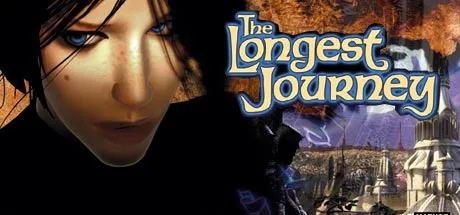
A Brain, Not a Gun: The Core Adventure Loop
The core loop is not built around combat but around four interlocking activities: exploration, puzzle-solving, dialogue interaction, and inventory management. Because protagonist April Ryan cannot die, wrong choices never trigger a death screen or a reload; the manual presents this as a deliberate way to keep players from being punished for experimentation. Instead, progress depends on talking with friendly and unfriendly creatures, studying new locations, and reasoning through whatever jam April has gotten herself into. The challenge lives in the puzzle logic rather than in reflexes or survival pressure.
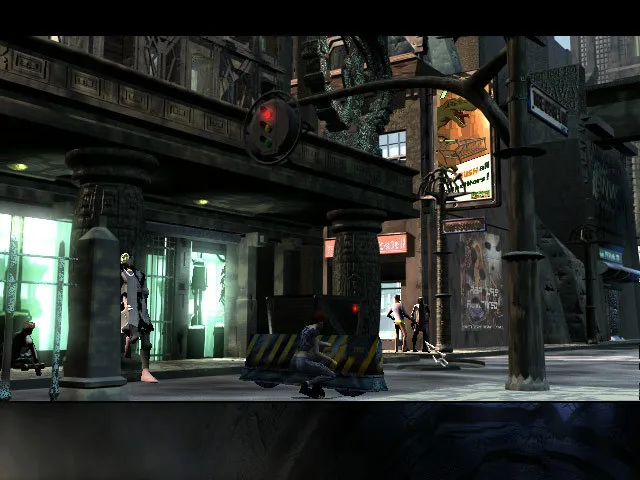
The narrative carries April across twin worlds held in an ancient Balance: Stark, ordered by science, and Arcadia, shaped by magic. A prologue then a sequence of locations frame the action, and the environments are detailed enough to support the explore-and-examine rhythm. Chaotic forces, the abandoned Guardian, and the advancing Vanguard armies give each setting a reason for April to solve problems rather than fight through them. Dialogue and inventory puzzles therefore function as the machinery that moves the story between these worlds, not as optional side content.
Cursor States and the Four-Click Interface
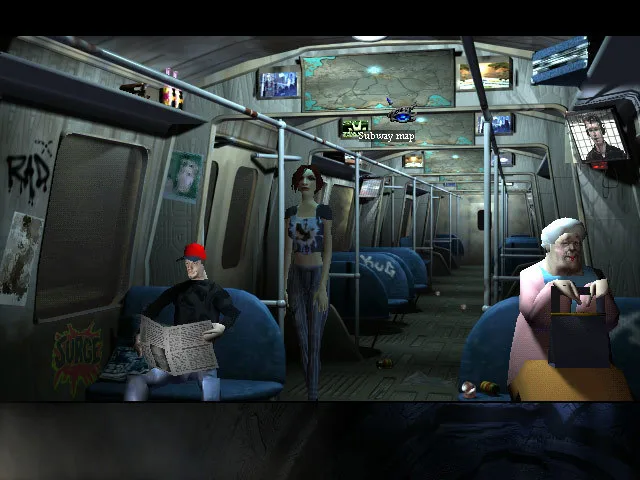
The manual describes all in-game actions as flowing through the on-screen cursor, steered with the mouse and acted out with the left and right buttons. That schema gives the cursor four primary states, which correspond to the left- and right-click interactions applied to items and characters. Keyboard shortcuts sit alongside the mouse: F2 and F3 handle save and load, and X toggles exit indicators. The toolbar, game window and dialogue window are the interface areas where these inputs register.
Pressing X displays every currently enabled exit and pressing it again hides them. An icon directly below a spot marks an exit there; sliding the cursor under it until it turns red, then left-clicking, walks April toward the exit, while a double-click makes her run. Two further icons signal exits off-screen to the left or right in a scrolling location, so the player first moves sideways before such an exit can be reached.
Close-up views add a second layer to that interface. They present the scene as if looking through April's eyes, letting the player examine parts of an item, pull at bits of it, wind something up, or use another inventory object on it. April does not appear and cannot walk around in a close-up, so the player instead sweeps the cursor over hotspots and exits by moving to the screen edge until the cursor turns red, then left-clicking. Inventory can still be opened and items used while in a close-up.
Deep Pockets: Inventory, Combination, and the Makeshift Funnel
April's inventory holds every object she acquires for puzzle-solving, and the manual states there is no physical limit to how many she may carry. It can be opened by right-clicking in the game window, except when the cursor is inactive, broken, or already in item mode; the I key also opens it, as does moving the cursor to the top of the screen and left-clicking. Inside, objects support close-up examination through the eye icon and interaction through the hand icon, so a single collection screen doubles as a workbench for inspecting and using what she carries.
Combining items follows a concrete procedure: click the first inventory item, choose the hand icon, and the cursor becomes that item. Moving the cursor item over a second item makes it flash when the two can combine; a left-click then has April perform the action, while no flash means they cannot be joined. The manual's worked example joins a branch and a scale to build a makeshift funnel, consuming both originals and producing the new item; carrying the funnel out and applying it to a stream lets April place it and redirect the water.
Talking Your Way Through Stark and Arcadia
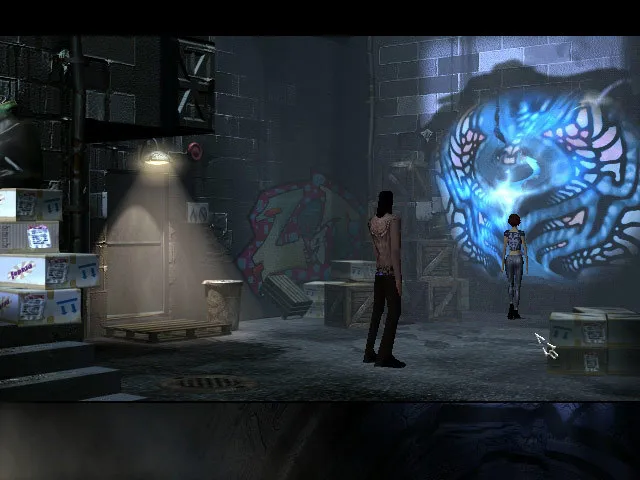
Conversation is not decoration in The Longest Journey; the manual treats it as necessary machinery. To open a conversation, April clicks on a character and selects the mouth icon, and the dialogue window supports choices presented as subtitles alongside a conversation log. Exchanges run with branching responses, so what April asks or answers shapes how characters respond in turn. The manual warns that unless she takes time to engage both friends and strangers, she will have a hard time getting anywhere, which ties talk directly to moving the plot through Stark and Arcadia.
The diary backs up that conversational work. Entries record what has happened, and the conversation log keeps prior exchanges for reference, so April can review what was said rather than rely on memory. The save and load system runs separately: F2 saves, F3 loads, and the diary icon opens the Diary Menu. Reading through what April has already written, once the player finds April's Diary, matters because her past comes back to haunt her; her strained relationship with her parents is one subject recorded there.
Scroll sideways to see the full table →
| Field | Documented detail |
|---|---|
| Title | The Longest Journey |
| Developer / Publisher | Funcom |
| Listed platform | Windows |
| Listed release year | 2007 |
| Genre tags | Action, Adventure, RPG |
| Protagonist | April Ryan, a Shifter |
| Worlds | Stark (science/order) and Arcadia (magic/chaos) |
| Death states | April cannot die |
| Save / Load | F2 save, F3 load, or Diary Menu |
| Exit indicators | X key toggles on/off |
Sources & further reading.
- The Longest Journey — official game profile Retrieved Oct 22, 2026
- The Longest Journey — official game profile — publisher-supplied gameplay manual Retrieved Oct 22, 2026
First published .